Struggling to Extract Objects with NanoBanana? Master the Object Extraction Strategy
1. Extracting Objects with NanoBanana
Removing backgrounds and extracting objects in their original form is essential across product photography, portrait editing, and many other fields. NanoBanana, released in 2025, completely transformed how object extraction works.
Instead of manually brushing out backgrounds pixel by pixel, you can now simply describe the object you want to extract in natural language. This approach brings two key advantages:
- Individual object isolation — When an image contains multiple objects, you can select and extract just the one you want.
- Extraction with distortion repair — Occluded or blurry parts are naturally restored during extraction.
However, in practice, cleanly extracting just the desired object from an image — a task that feels intuitive to humans — turns out to be surprisingly difficult for AI.
2. The Problem: Why Can't NanoBanana Tell Background from Object?
The following issues commonly arise:
- Surrounding objects get extracted together — Hands holding an item, or connected objects, come along with the target.
- Size and position change — Small objects get enlarged, angles shift, or fine details are distorted.
Let's See It in Action
Let's try extracting objects from these images:
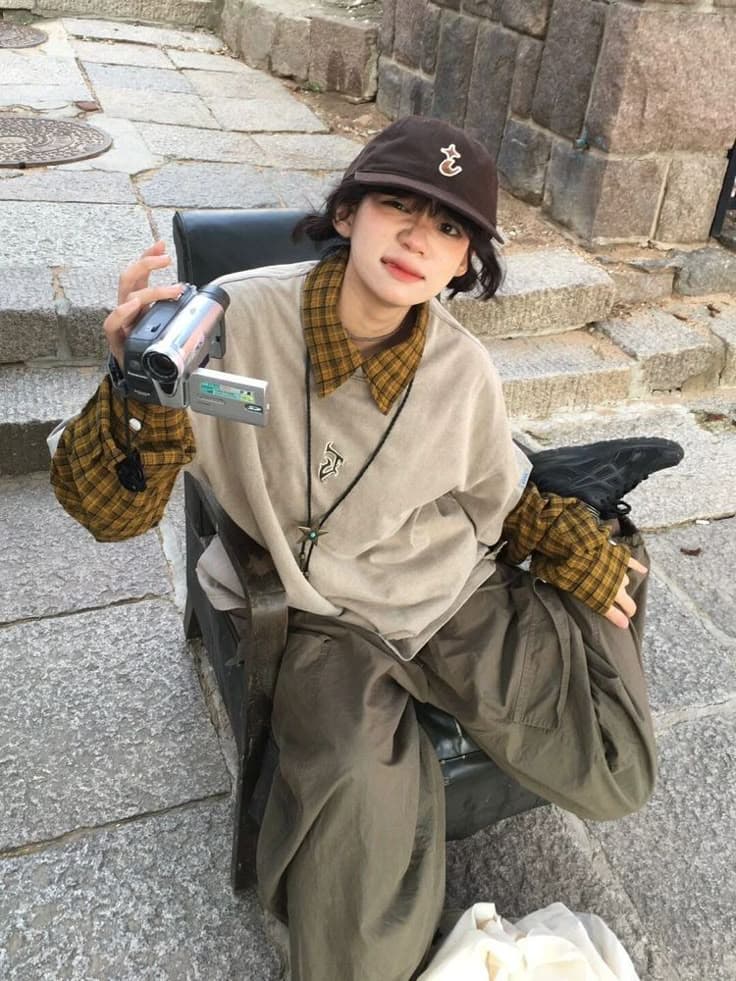
Extract the handheld camcorder from the person's hand.
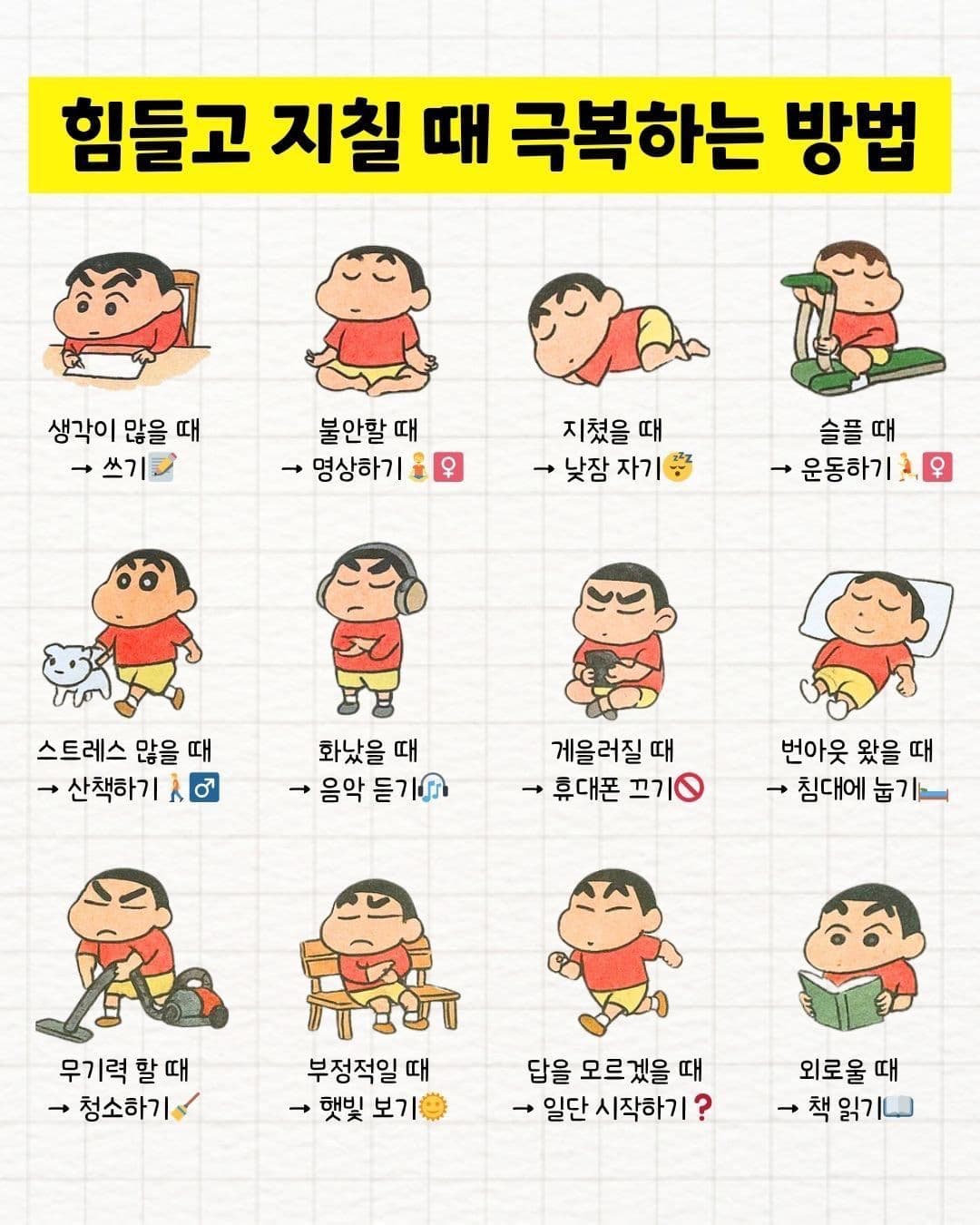
Extract the illustration of the child lying down, above the "번아웃 왔을 때 → 침대에 눕기" section in the middle-right area.
The results:
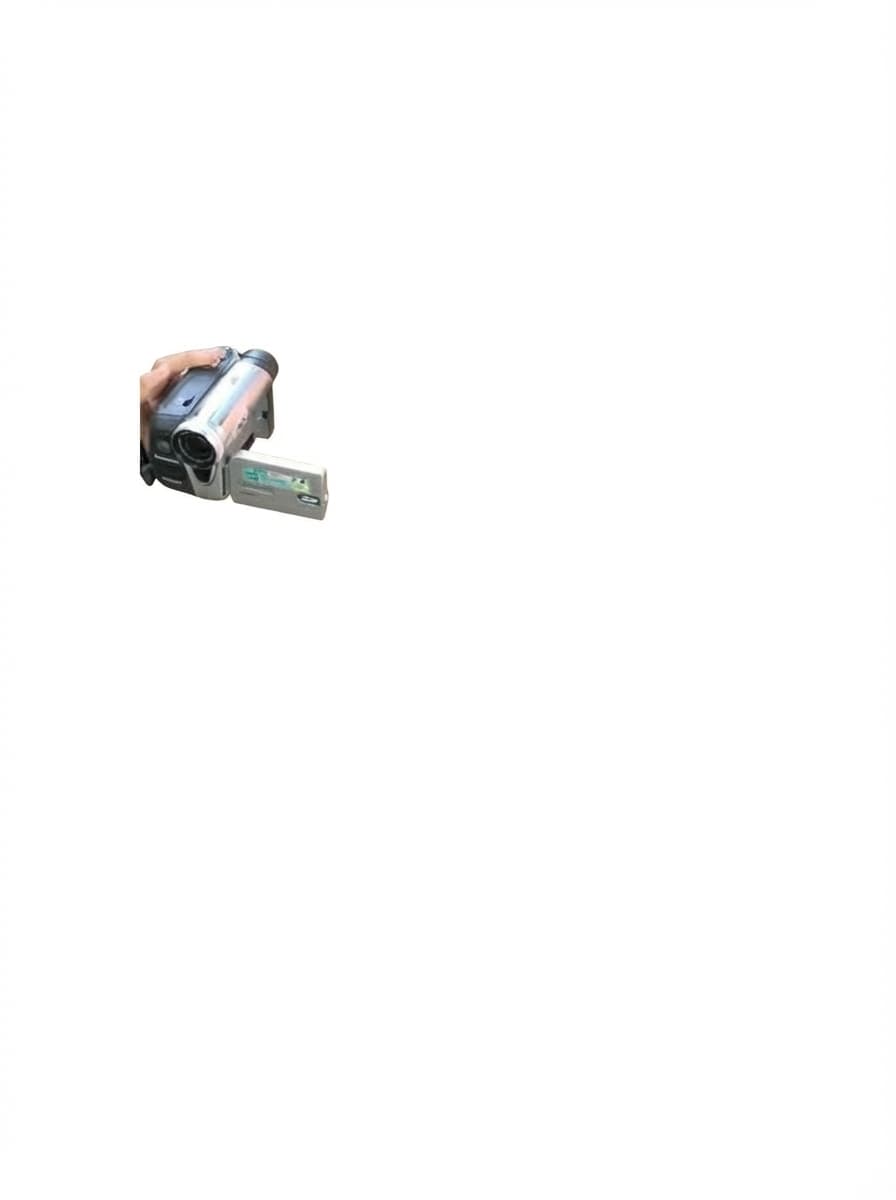

You'll quickly notice that AI struggles with object extraction more than expected. Repeated failures are observed in about 40% of images, and the rate worsens as images become more complex or contain more spatial depth.
3. The Strategy: "Crop, Exclude, and Extract"
The core idea is simple:
Don't throw the entire image at the AI — crop and show only the area around the target.
This strategy has 3 steps:
- Bbox Detection + Masking — Use a VLM to detect the target's location, then expand the area by 1.5x and mask everything else in white.
- Negative Captioning — Use a VLM to detect all remaining non-target elements in the masked image.
- Extraction — Combine the masked image + negative captions and request the final extraction from the image generation model.
4. The Result: Reliable Object Isolation
Applying the strategy above to the same images yields these results:
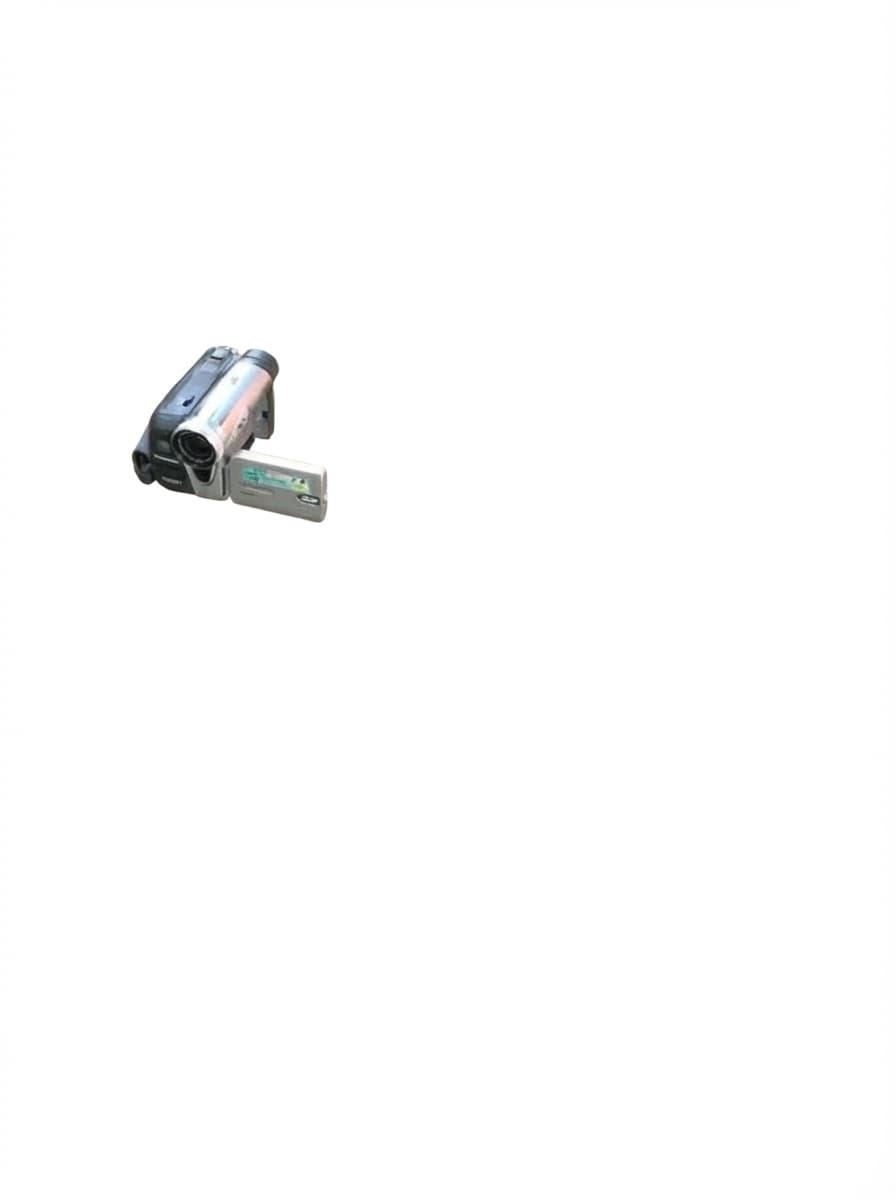

Results that were previously unusable — with surrounding objects mixed in, or size and shape distorted — are now production-ready.
Let's walk through each step to see how this works.
5. Step-by-Step Breakdown
Bbox Detection + 1.5x Expanded Masking
The first step is to locate the target object and mask everything around it.
A VLM (gemini-3-flash-preview) receives the original image and the target description, then detects the target's bounding box coordinates in real time.
You are an expert object detection AI.
Given an image and a target object description,
return the bounding box coordinates of the target object.

Target Object: The handheld camcorder held in the person's hand

Response Format:
{"y_min": <number>, "x_min": <number>,
 "y_max": <number>, "x_max": <number>}

All values should be integers between 0 and 1000.
The model returns coordinates normalized to 0–1000. Using the bbox as-is might clip the object, so we expand it 1.5x from the center, crop that region, and composite it onto a white canvas of the same size.
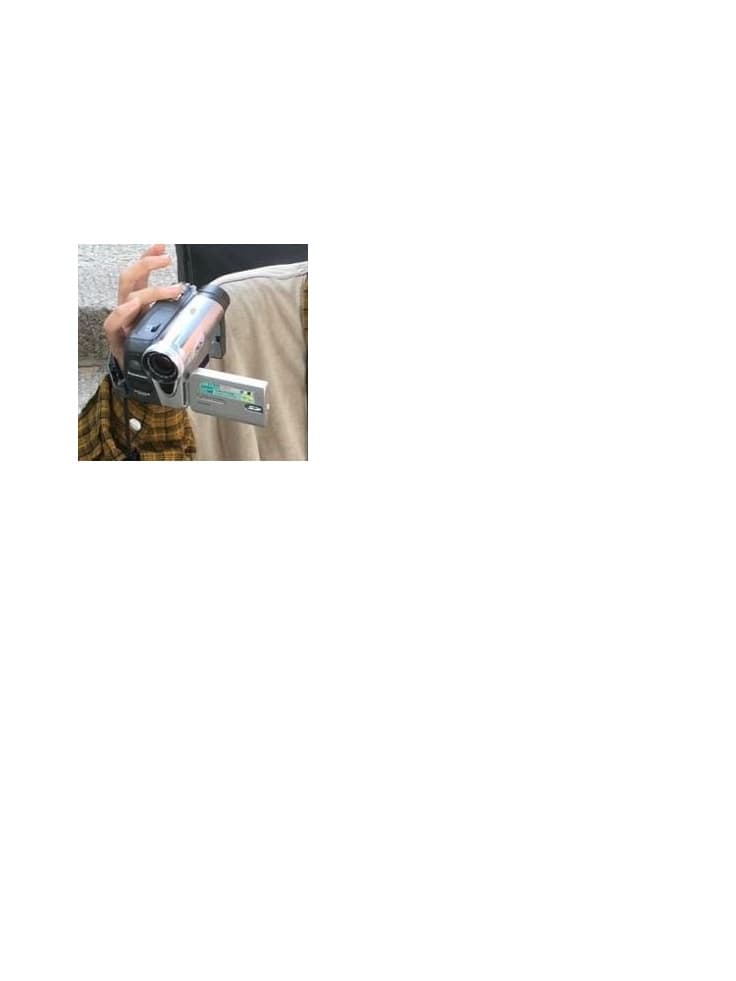
The effect of this preprocessing is dramatic. The visual information the model needs to process is drastically reduced, making it much easier to determine where the target ends and the background begins.
The 1.5x margin is key. 1.0x (exact bbox) clips object edges, while 2.0x+ includes too much unnecessary background. 1.5x is the experimentally validated sweet spot.
Negative Captioning
The masked image is shown to a VLM (gemini-3-flash-preview), which identifies every remaining element except the target object.
The key prompt structure:
You are an expert image analysis AI.

This image has been pre-processed: a bounding box
has been applied to focus on a target object,
with the area outside the bounding box replaced
with white. However, some non-target elements may
remain within the bounding box area.

Given the target object description below,
identify and list every visible element in this
image that is NOT part of the target object:

- Background patterns, textures, or colors
- Lines, grids, borders, or dividers
- Text or labels not belonging to the target
- Shadows, gradients, or artifacts
- Parts of other objects or people

Output ONLY a JSON array of strings.

Target Object (EXCLUDE this):
The handheld camcorder held in the person's hand.
Explicitly stating in the prompt that this is a pre-processed image is crucial. This helps the VLM understand the white areas as masking results and accurately detect only the residual elements inside the bbox.
For the character-1 image, gemini-3-flash-preview returned the following residual elements:
[
  "person's right hand gripping the camcorder",
  "person's left arm and sleeve near the camcorder",
  "beige/olive jacket fabric surrounding the hands",
  "stone pavement ground visible below",
  "faint shadow on the ground"
]
These captions are injected into the next step's extraction prompt as "elements to remove."
Extraction
The masked image and negative captions are combined to request final extraction from gemini-3-pro-image-preview.
The prompt structure:
You are an expert image editing AI.
Your task is to extract a specific object from
the provided image.

Instructions:
1. Extract the requested element and place it on
   a pure white background (#FFFFFF).
2. CRITICAL: Maintain the exact original size,
   position, and orientation.
3. Remove all other elements completely.

Specifically, make sure to completely remove:
- person's right hand gripping the camcorder
- person's left arm and sleeve near the camcorder
- beige/olive jacket fabric surrounding the hands
- stone pavement ground visible below
- faint shadow on the ground

4. CRITICAL: Every pixel not part of the target
   must be exactly #FFFFFF pure white.
5. Ensure clean, sharp edges.

Target Object to Extract:
The handheld camcorder held in the person's hand.
Notice how the prompt specifies both "what to remove" and "what to extract". The negative captioning results are inserted directly into the "Specifically, make sure to completely remove" section.
Let's Look at the Results Again:
6. Simplified Object Extraction with NBskills
Performing the above process manually requires significant development work — bbox detection, image masking, model API calls, result validation, and more. NBskills automates the entire pipeline.
Automatic Bbox Detection + Optimal Masking
Specify an image and extraction target, and the VLM automatically detects the bbox and performs 1.5x expanded masking. No need to manually specify coordinates or write image preprocessing code.
Battle-Tested Extraction Prompts
Not just a simple "extract this" — optimized prompt strategies validated through extensive experimentation are built in. Structured prompts combined with negative captioning are automatically applied, boosting background removal accuracy.
Handles Diverse Image Types
Object extraction works across diverse image types — interior photos, posters, infographics, character illustrations, and more. Bbox masking automatically removes complex backgrounds, making the effect more dramatic as image complexity increases.
Auto-Routing to the Latest AI Models
NBskills automatically selects the optimal AI model based on the task type. Object extraction, text rendering, image generation — each task gets the most suitable model applied automatically.
7. Conclusion
Extracting objects from AI images is not just simple "cropping." Background removal, shape preservation, clean edges — each is an independent challenge.
The key takeaway from the strategy presented in this article:
Removing unnecessary information from the input image is more effective than adding information to the prompt.
Reducing visual information through bbox masking and explicitly listing residual elements through negative captioning — this combination dramatically improved object extraction success rates. This principle applies not only to object extraction but to AI prompting in general.
NBskills automates all of this expertise, so anyone can achieve optimal object extraction results.